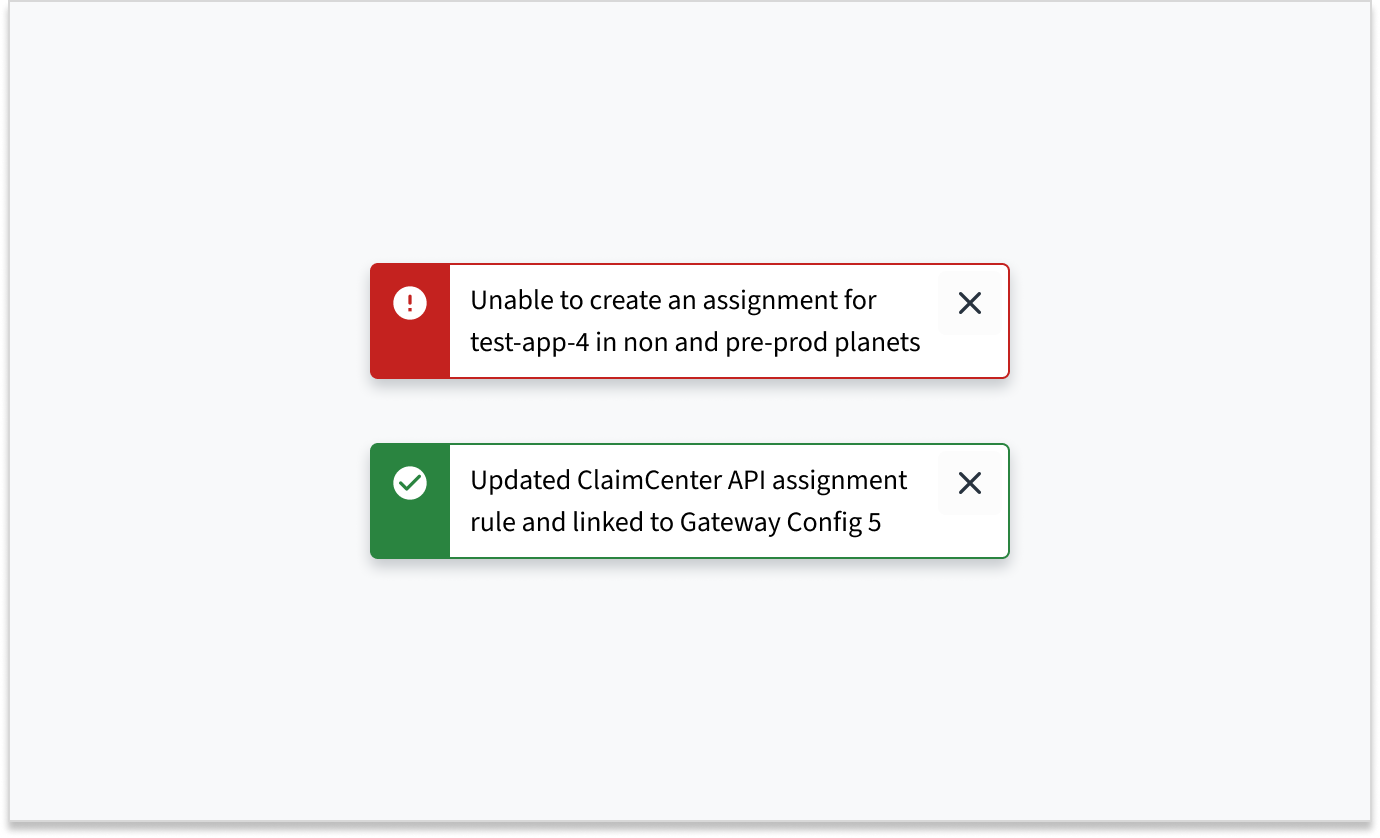
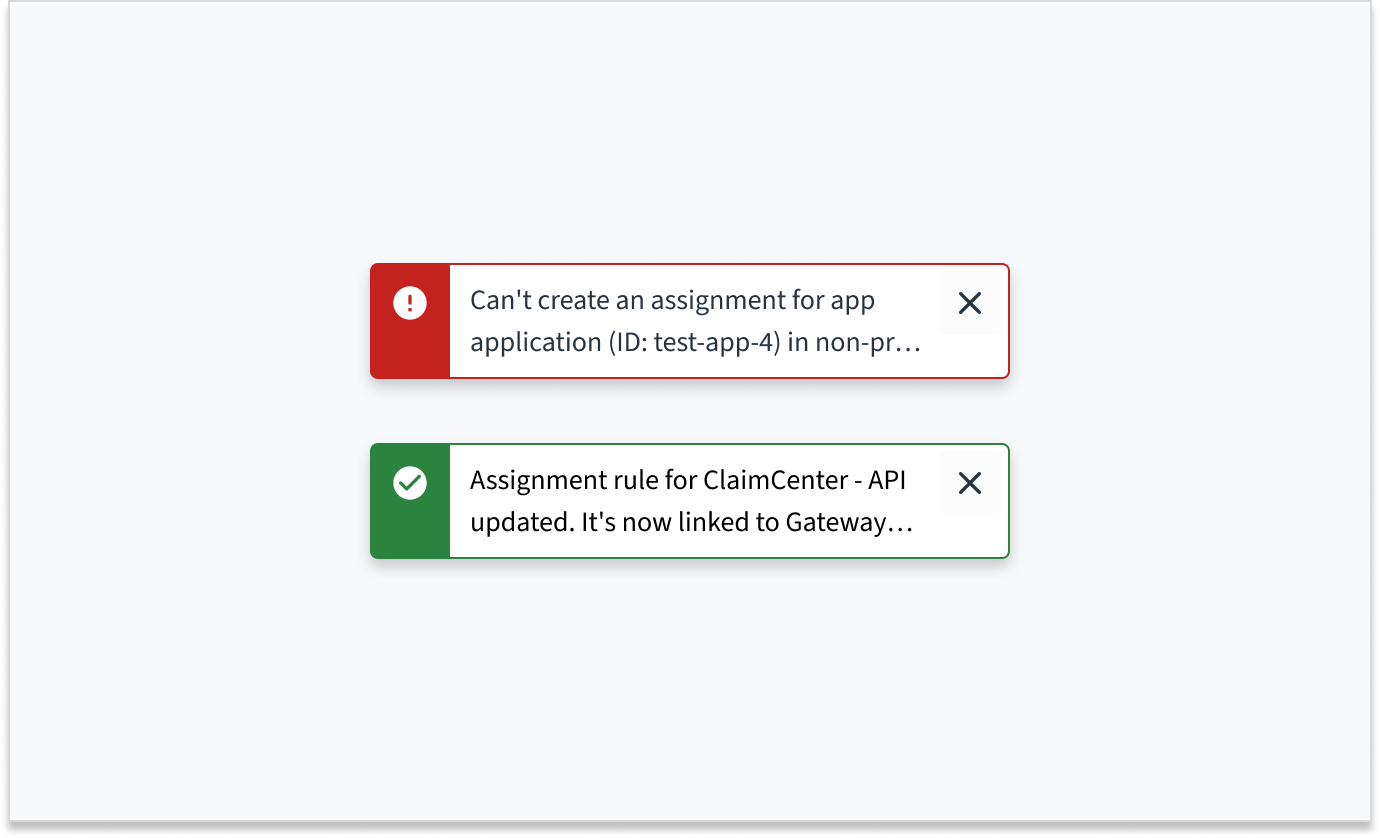
Toast
Usage
Overview
A toast notification communicates system-generated information in response to user activity. This may include information about an update, confirmation, or a completed action. Toasts overlay content in the upper-right corner of the screen. They appear for a predefined time of 5 seconds and can be dismissed by the user.
For a detailed guide on when to use toast notifications, explore the following UI component decision tree.
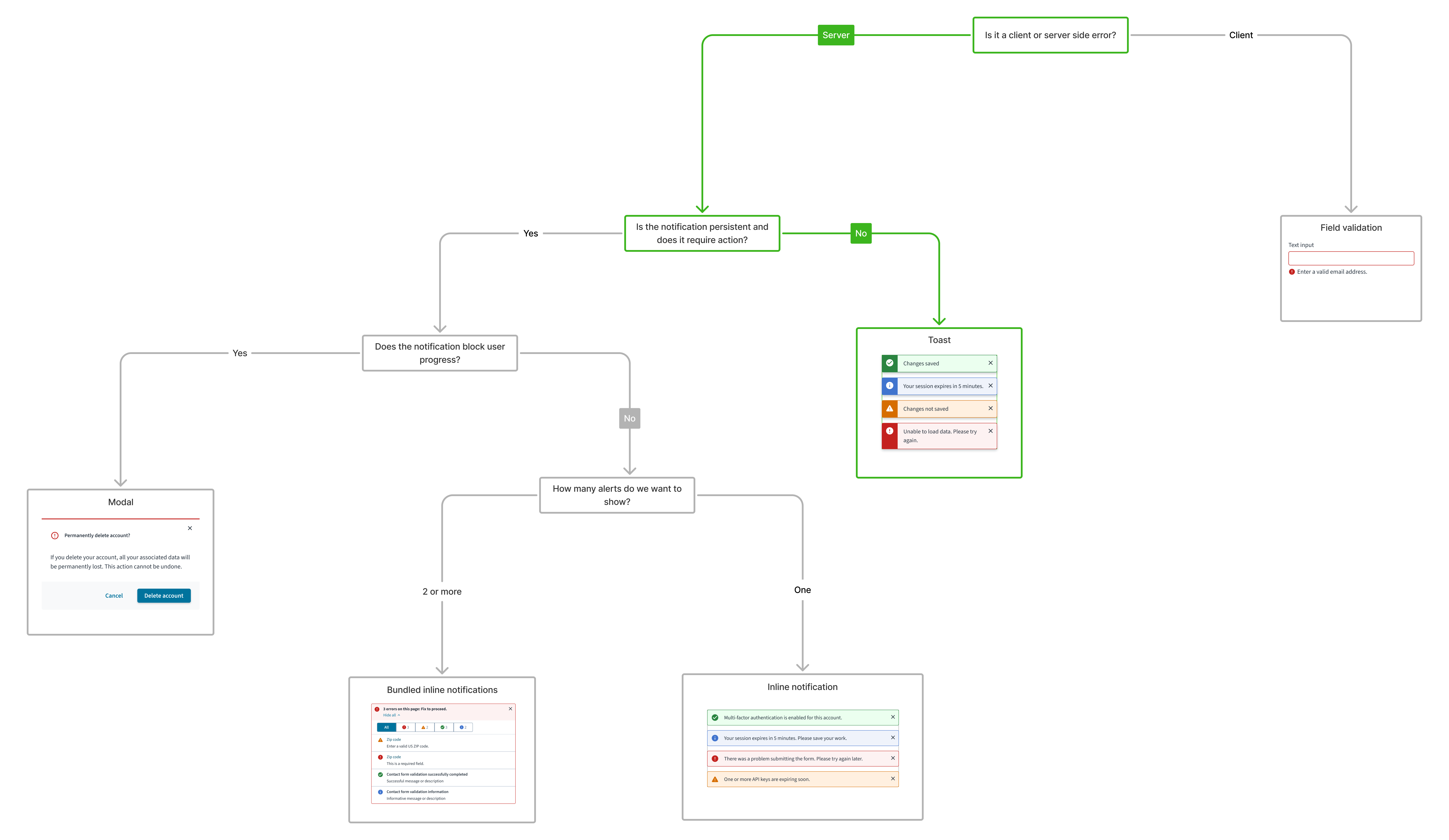
When to use
- To display process related information, such as confirmation that a message was sent or that an update was completed.
- For brief, non-disruptive messages that don't require the immediate attention of users, such as "Settings saved".
When not to use
- When displaying field-specific information. In this case, consider using an inline notification or field-status message.
- For critical information that requires the user's attention and resolution. In this case, consider using an inline notification, field-status message, or modal.
- When you know that your message will exceed the character limit for toasts (approximately 75 characters). In this case, consider using a different message type that is appropriate to your use case, such as inline notification.
- For persistent messages, consider using an inline notification or a modal.
Types
Toast notifications are based on the severity of the message. They include the following types:
| Type | Icon | Purpose |
|---|---|---|
| Info |  | Inform users of general information or helpful updates. |
| Success |  | Inform users that an operation was successful. |
| Warning |  | Inform users about potential issues with an operation. |
| Error |  | Inform users about non-critical errors that do not require immediate user attention or action. |
Managing notification frequency and relevance
To provide a better user experience and avoid overwhelming users:
- Group related updates: When several minor, related events occur around the same time, consider grouping them into a single toast notification (for example, "3 new updates available") rather than showing multiple individual toasts.
- Prioritize and be selective: Only use toasts for information that provides clear value. Avoid unnecessary alerts.
- Avoid over-notifying: Sending too many toasts in quick succession ("spamming") can be highly disruptive and lead to users ignoring them altogether.
Formatting
Anatomy
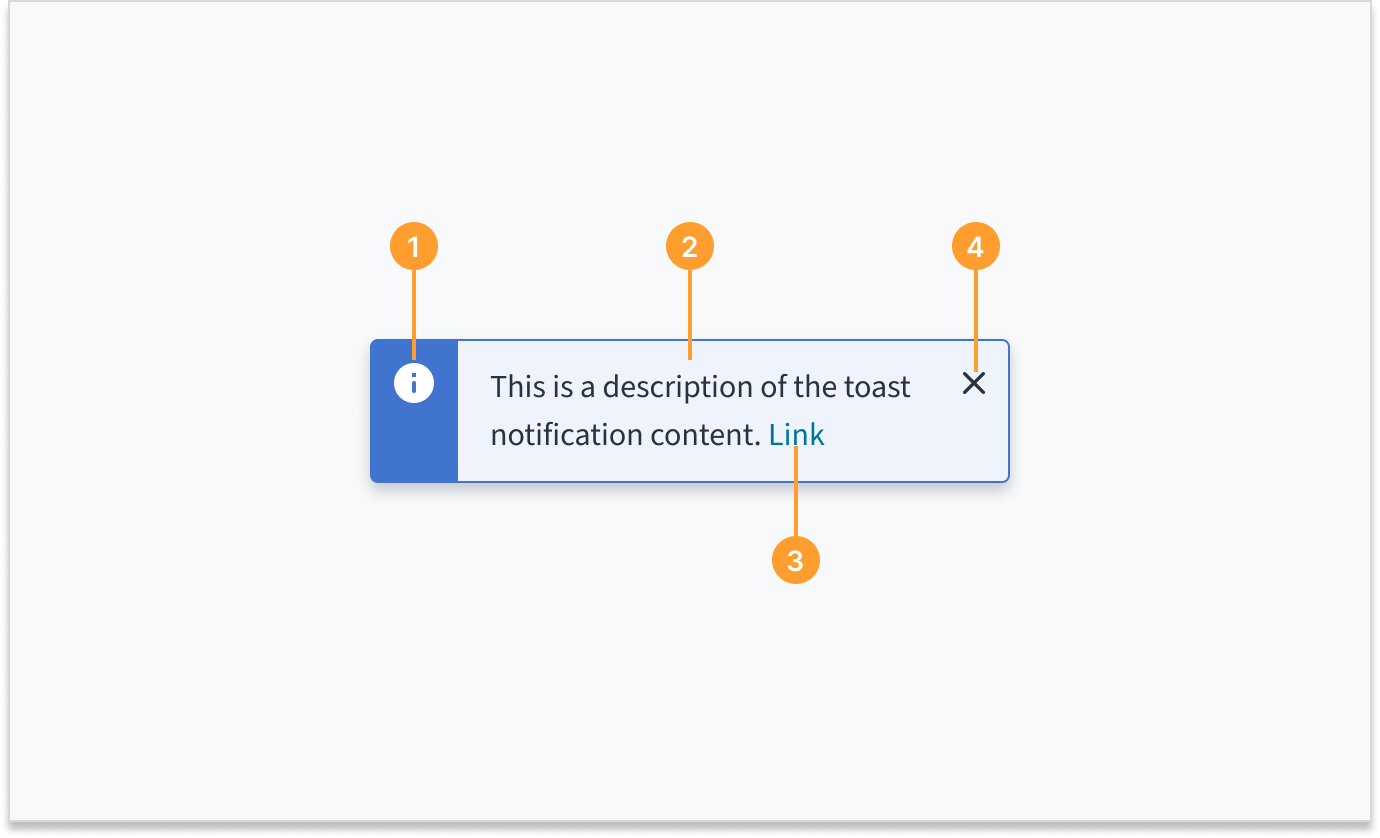
Toast notifications consist of the following elements:
- Icon: Provides a visual indication of the message severity.
- Description: Briefly describes the action taken, the current status, or provides additional context. The toast description can contain up to 2 lines of wrapped text.
- Link (optional): Provides a means to view details or direct users to another object. Links are standalone when they are used in toast notifications. They cannot appear inline with other text.
- Close button: Dismisses the notification. Toast notifications are always dismissible. If the user doesn't dismiss the toast, it automatically disappears after 5 seconds.
Sizing and placement
Toast notifications have a fixed width. The height of toasts grows with content up to 2 lines of wrapped text.
Toast notifications slide in and out from the upper-right corner of the screen.
Multiple toasts may be displayed at once. When this happens, the toasts appear stacked in the upper-right corner of the screen, with the most recent appearing at the top.
Content
General writing guidelines
- Use sentence case for all aspects of designing Guidewire product interfaces. Don't use title case.
- Use present tense verbs and active voice in most situations.
- Use common contractions to lend your copy a more natural and informal tone.
- Use plain language. Avoid unnecessary jargon and complex language.
- Keep words and sentences short.
Toast notification description
The toast notification description summarizes the action taken, current status, or additional context, and may contain up to 2 lines of text.
If the toast's description is a single sentence fragment (for example, "Item archived"), don't add a period to the end.
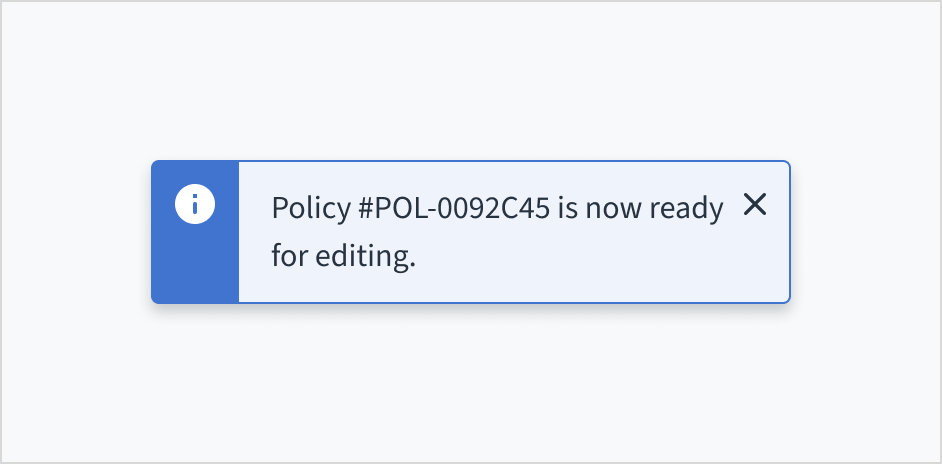
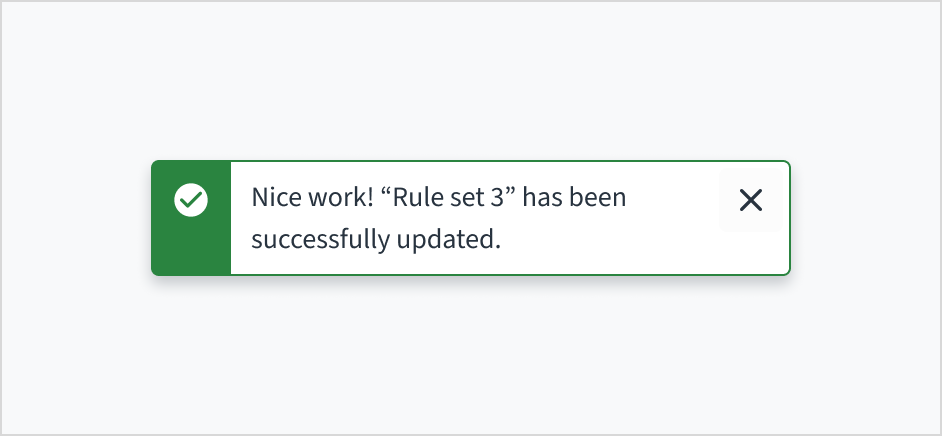
Writing for toast notifications
Use concise language
Toast notifications provide a limited amount of space for content. Use concise language so that users can quickly scan the text and understand the notification. The ideal length for toasts is two lines or less.
To create clear, concise, and useful toast notifications, ensure that the content:
- Focuses on a single idea or subject
- Remains minimal and direct
- Provides sufficient context for clarity
- Is limited to 2 lines of wrapped text (approximately 61 to 75 characters, including spaces and punctuation)
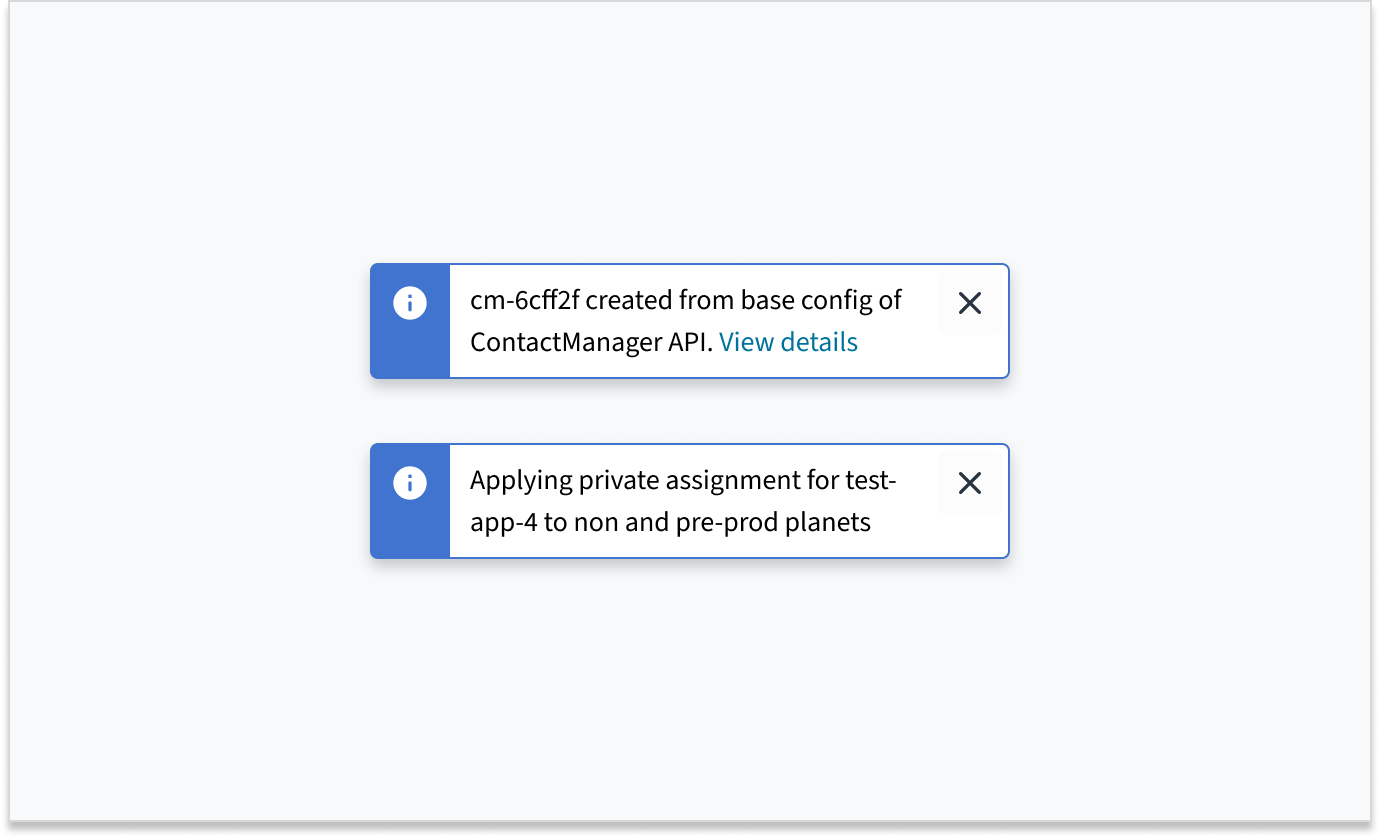
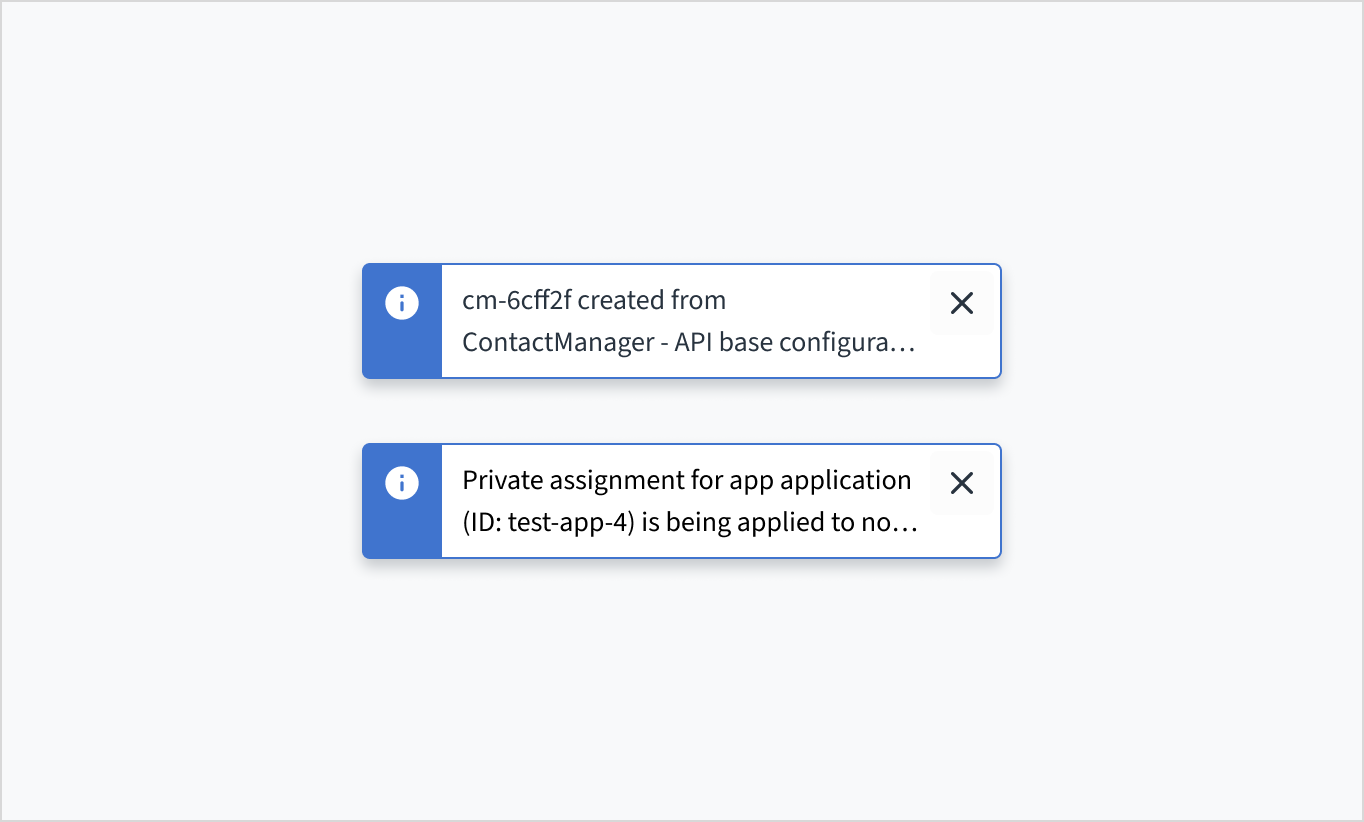
Use an instructive tone that is neutral and direct
Toasts are brief, temporary notifications. They're meant to provide quick reference or context without interrupting the user's experience. Use an instructive tone that presents the information in a neutral and direct way.
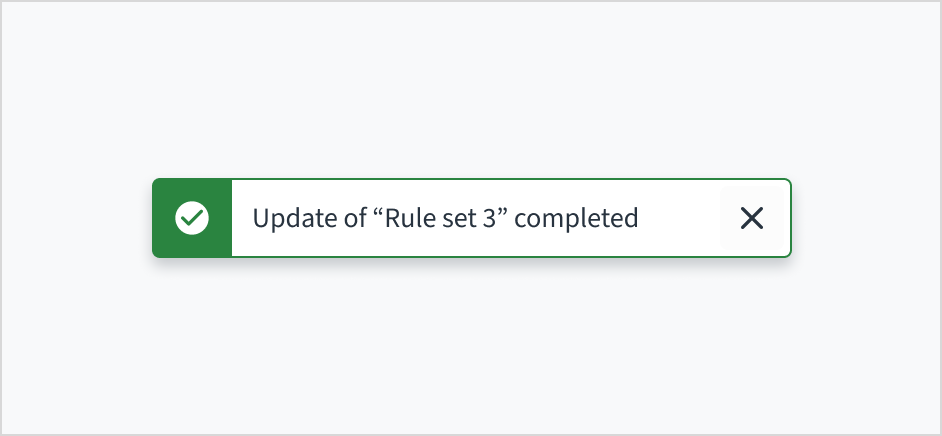
Writing effective error toasts
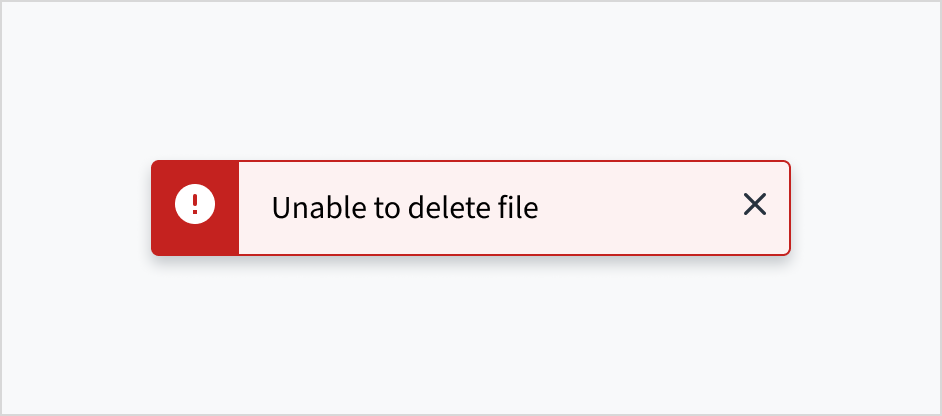
When using toasts for non-critical errors:
- Be specific and clear: Clearly state the error in simple terms. Avoid vague messages like "Something went wrong" or "An error occurred".
- Keep it concise: Like all toast content, error messages must be brief and fit within the recommended character or line limits.
- Focus on information, not immediate action: Since toasts are not for errors requiring immediate action, the message must inform rather than demand an instant response.
Use sentence case
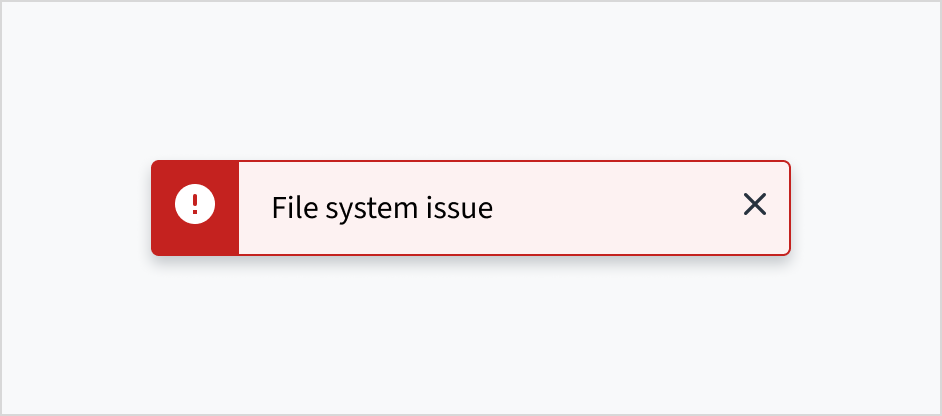
Like all in-product content at Guidewire, toasts are written in sentence case.
For more information on how to implement sentence case, see the section on Capitalization in the UI text style guide.
Behaviors
Dismissal
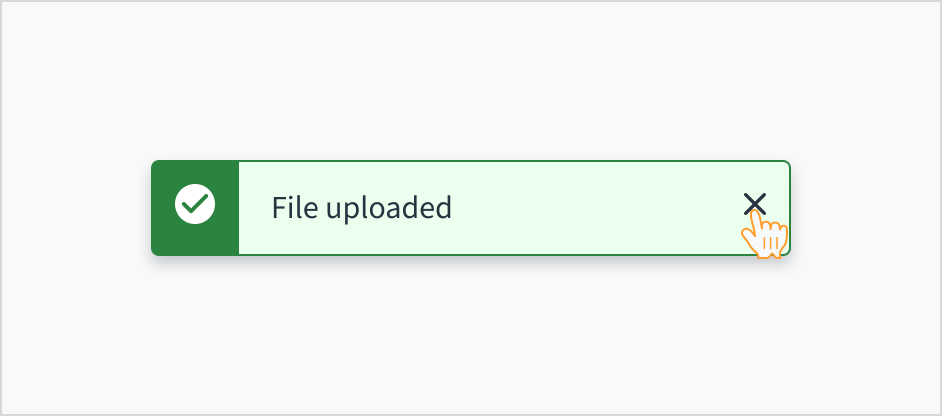
Toast notifications are always dismissible. If not manually closed, toasts automatically disappear after 5 seconds.
To make toast notifications persistent, set the autoClose prop to false. These toasts will remain visible until manually closed by the user.
Consider using persistent toasts when:
- There's a link within the toast
- The content requires more time to read or process
Interactions
Mouse
Toast notifications are system generated. By default, toasts automatically disappear after 5 seconds. A user can also dismiss a toast by clicking the close button.
Keyboard
For toasts with a link, the link gets focus first. A user can move between the link and the close button using Tab. To close the toast notification, a user can press Enter or Space while the close button has focus.
Screenreader
Screen readers must announce toast notifications as they appear on screen. To accomplish this, the toast must have an appropriate ARIA live region attribute, typically aria-live="polite". The "polite" attribute allows for users to finish what they are doing before announcing a live region change.
Accessibility
The contrast ratio of textual elements against their background is above 4.5:1 as per WCAG 2.1 AA requirements. Non-textual content that needs to convey meaning (such as icons and keyboard focus visibility) has a contrast ratio of at least 3:1 with its adjacent colors. All content is visible and functional up to and including 400% without requiring scrolling in two dimensions.
This component has been validated to meet the WCAG 2.1 AA accessibility guidelines. However, changes made by the content author can affect accessibility conformance.
Follow the guidance below when using this component in your applications:
- Try not to exceed 75 characters, including spaces and punctuation. This limit helps maintain readability and prevents truncation.
- Don't use toast notifications for critical alerts or long messages. By default, toasts are timed and will disappear automatically after 5 seconds. This makes it difficult for people to get the entire message.